9-Mark AI Trainer – Full Answer Practice
Use the same scenarios as 9-Mark Ninja to write a full 9-mark answer, then send it to an AI to mark and give feedback.
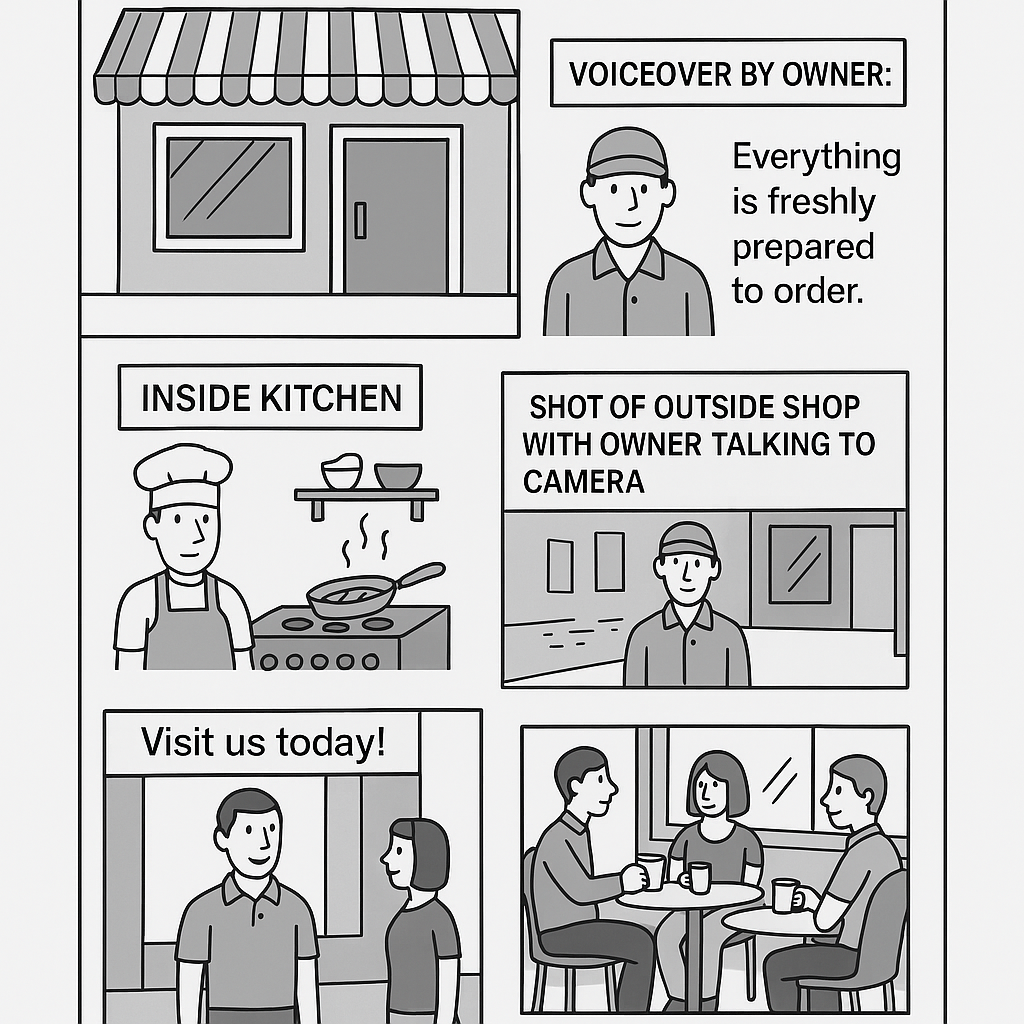
Scenario
9-mark question
Question text goes here.
- Write a full 9-mark answer in the box below.
- When you are happy, click Generate AI marking prompt.
- This will copy a ready-made prompt to your clipboard.
- Paste it into ChatGPT, Gemini, Claude or Copilot to get a mark and feedback.
Your 9-mark answer
Characters: 0
Need help structuring a 9-mark answer?
- Aim for 3–4 clear, developed points, not 9 tiny ones.
- Use a structure such as P.E.E.L. for each point:
- Point – what is your main idea?
- Explain – why does this matter?
- Example – link to this specific document / product.
- Link – tie it back to the user (director, design team, client, etc.) and the purpose.
- Keep bringing it back to:
- How suitable the document is, and
- How your improvements help the person using it.
- Use correct terms: storyboard, wireframe, mood board, asset table, target audience, constraints, layout, typography, etc.
- End with a short judgement / conclusion.
Your AI-ready marking prompt
All done! This text has been copied to your clipboard.
Open one of the AI tools below, paste it in, and run it to get a mark and feedback.
Open an AI tool:
Your prompt has been copied ✔ In the AI chat box, press Ctrl+V (or ⌘+V on Mac), then press Enter.