
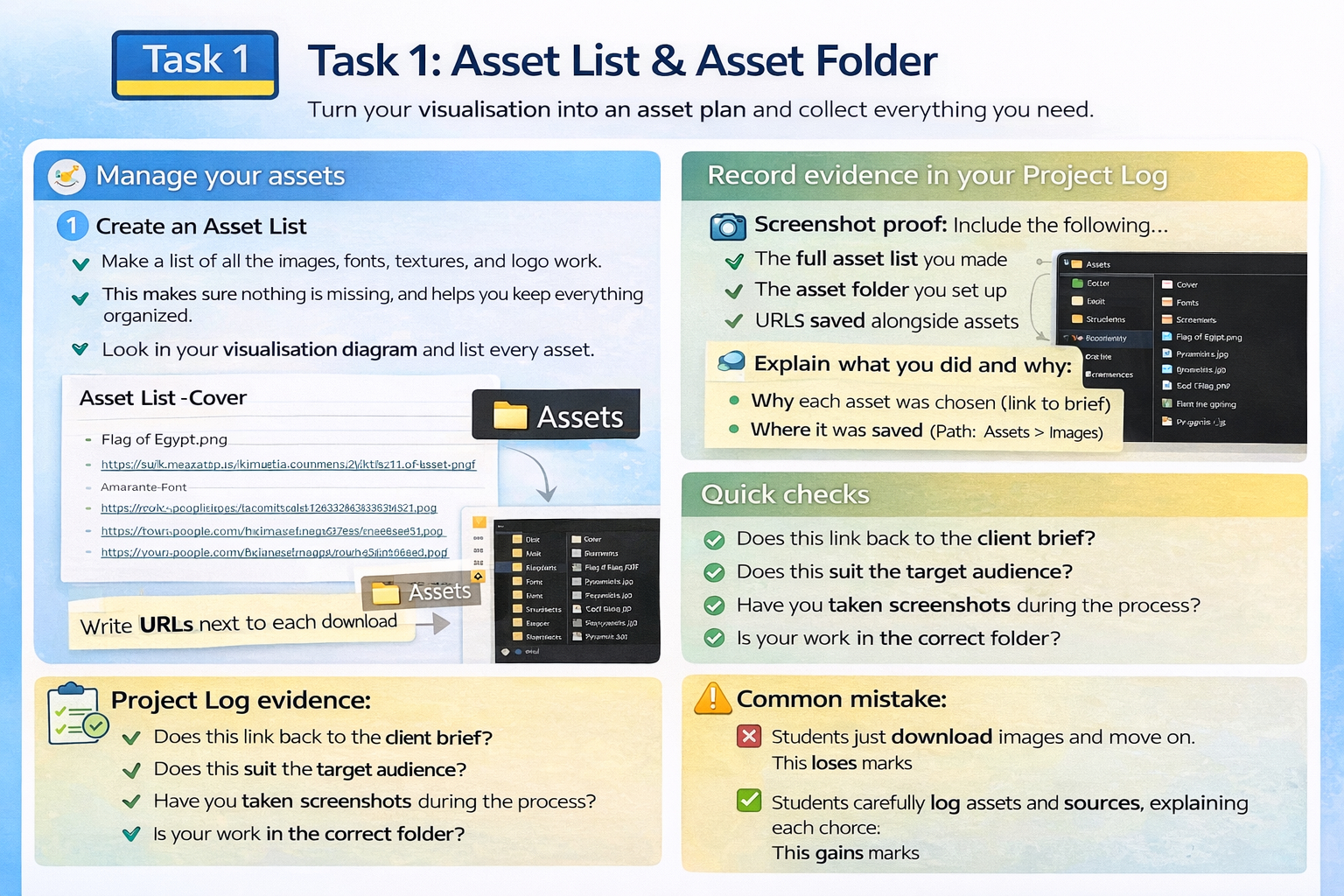
Task 1: Asset List & Asset Folder
Turn your visualisation into an asset plan and collect everything you need.
Keep your Project Log updated
Screenshot as you work
Link back to brief + audience
Assets
- Create an asset list from the visualisation diagram (if it's on the design, it's in the list).
- Create an asset folder structure (images / fonts / textures / logo work / screenshots).
- Collect/create assets and save the source URL for anything you download.
- Screenshot: asset list + folder + saved URLs list.
Project Log evidence:
Add screenshots + 2–4 sentences explaining what you did and why. If it isn't in the log, it doesn't exist.
Quick checks
- Does this link back to the client brief?
- Does this suit the target audience?
- Have you taken screenshots during the process?
- Is your work saved in the correct folder (Task 1 / Task 2)?
Common mistake:
Only adding the final outcome. Marks come from your process and explanations.