
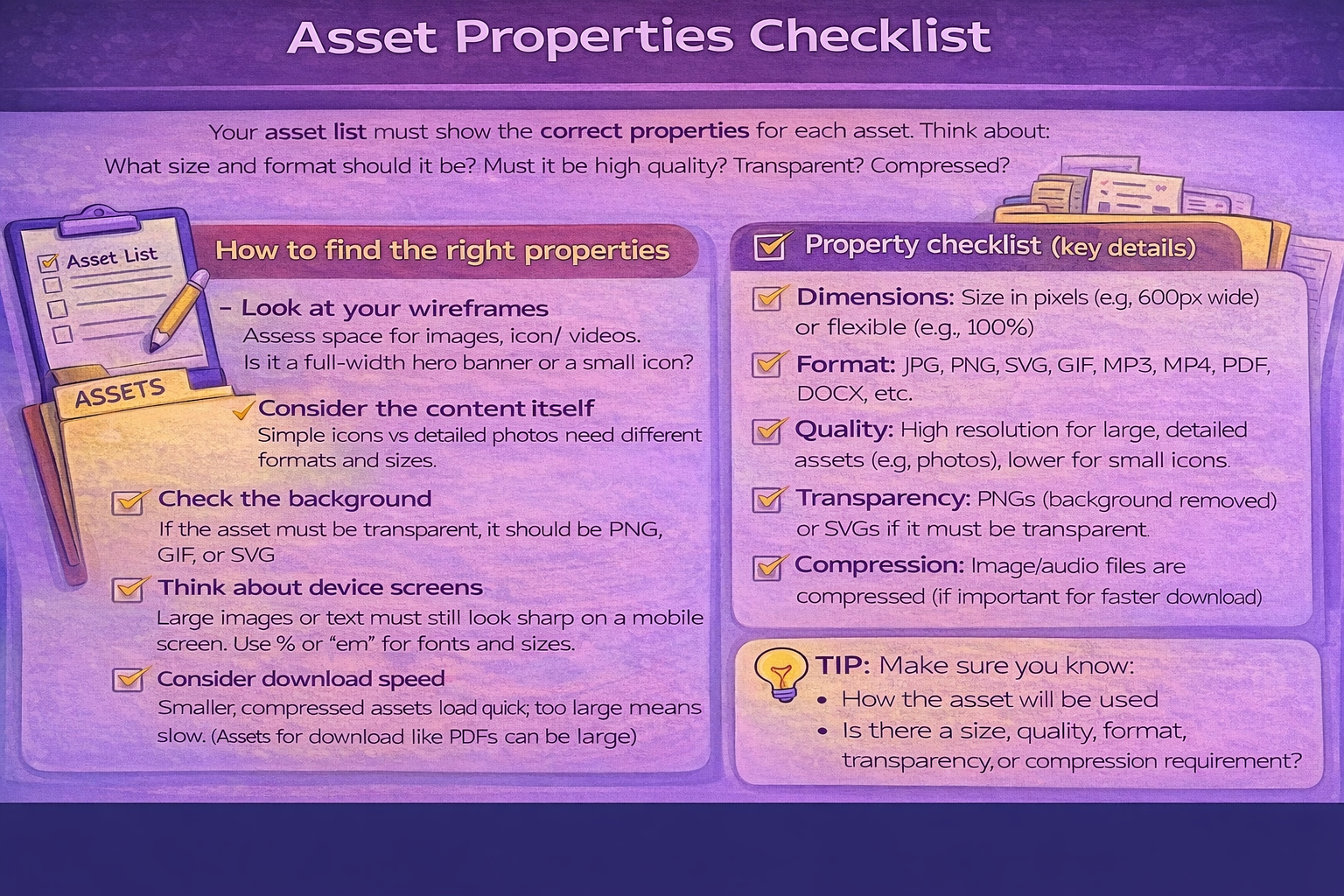
Task 1C(ii) Asset properties
Explain what technical properties your assets need to be suitable.
Be technical
Link properties to purpose
Optimise for web
Common mistake:
Students say "it's a PNG" but do not explain what that gives them (transparency, crisp edges, suitable for icons).
Properties to explain (pick those that apply)
- Dimensions (px) and aspect ratio (e.g., 16:9 hero image).
- File format choice (SVG/PNG/JPG/WebP; MP3/WAV).
- Compression and file size (fast loading).
- Resolution (ppi for print vs px for web).
- Colour mode (RGB for web).
Fit for purpose examples
- Logo: SVG so it stays sharp at any size.
- Photos: JPG/WebP with compression to keep file size low.
- Icons: PNG (transparent) or SVG for crisp edges.
- Hero images: sized correctly (do not upload huge 6000px images).