
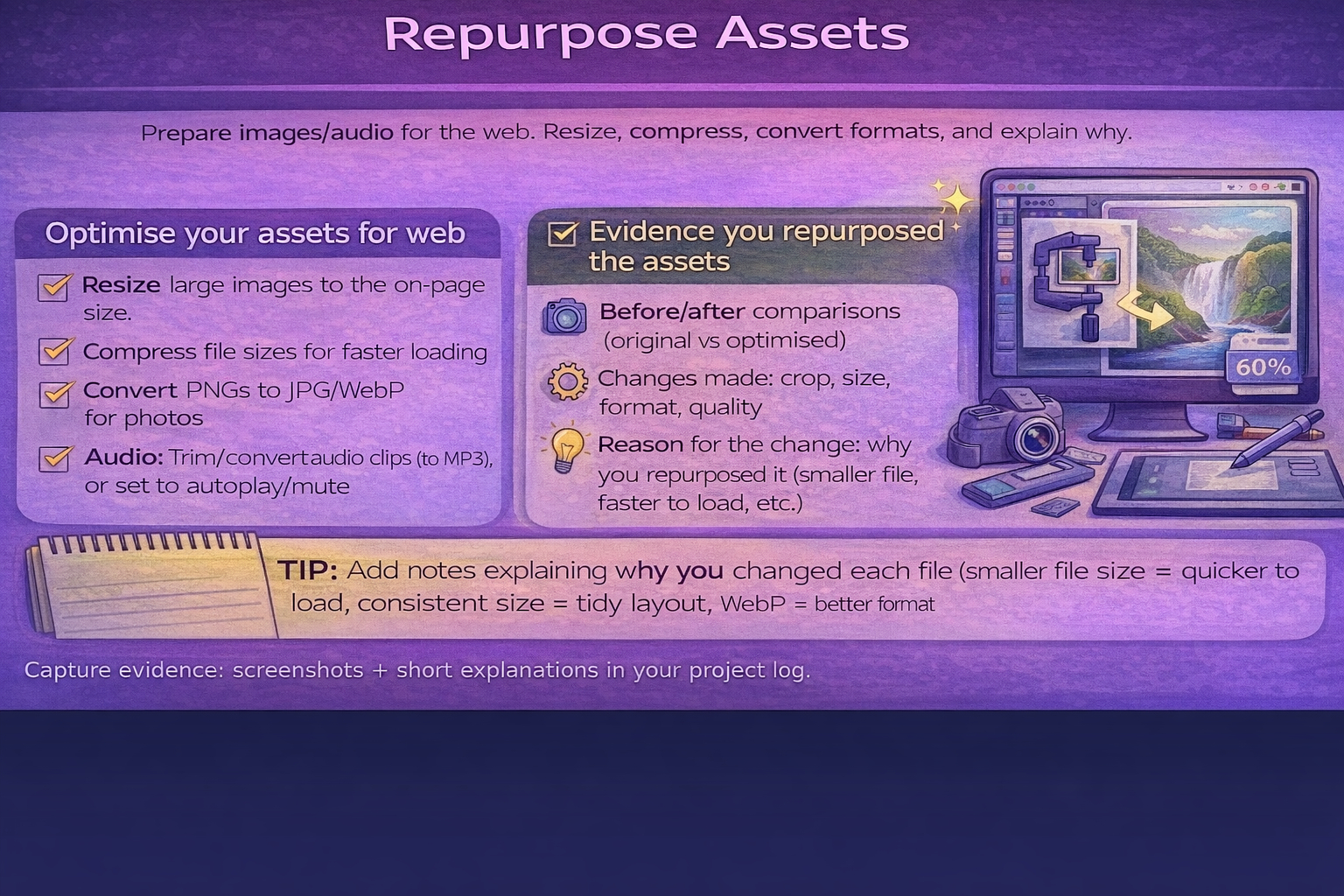
Task 2A(ii) Repurpose assets
Edit/optimise assets so they are fit for use in the website.
Resize
Compress
Convert formats
Explain why
Don't confuse:
"Repurposing" is not just downloading. You must show you edited/optimised the asset for your website.
Building your website in Dreamweaver
This R097 guide explains what you need to create.
The Dreamweaver guide shows you how to actually build the website step-by-step.
Open the Dreamweaver Website Building Guide
Repurposing evidence
- Annotated screenshots - Before/after comparisons (original vs repurposed).
- What changed: crop, resize, colour correction, compression, format conversion.
- Why it changed: faster load, better readability, consistency, suitability for web.
- Export settings (quality %, pixel size).
Repurposing examples
- Cropping a photo to a consistent aspect ratio for cards.
- Converting PNG photos to JPG/WebP to reduce file size.
- Resizing large images down to the actual on-page size.
- Creating a transparent PNG icon from a larger graphic.