
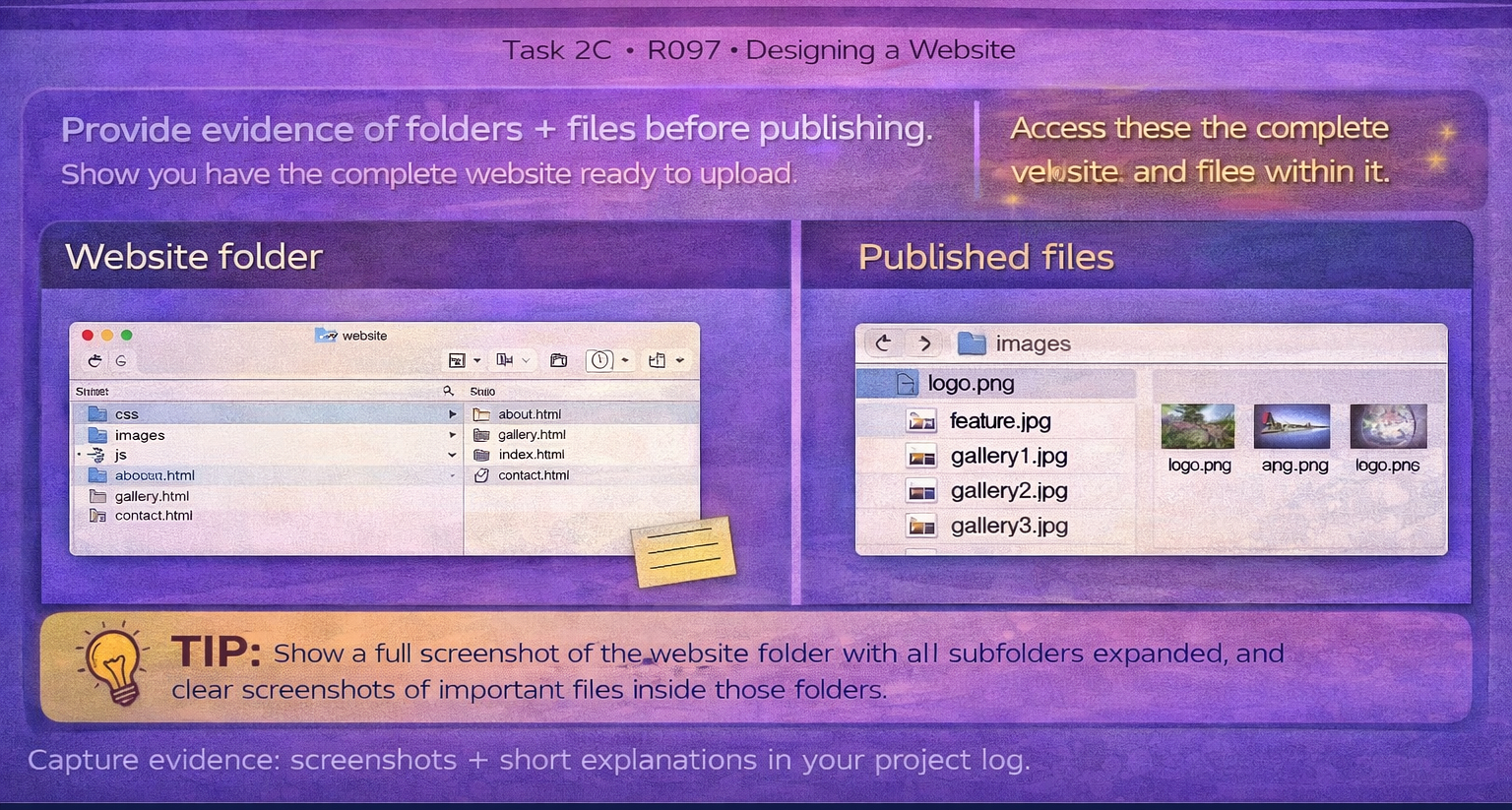
Task 2C Export/publish
Export/publish your website so it meets the client requirements.
Meets client requirements
Correct formats
Test after publishing
Screenshot this:
OCR loves simple proof: published URL + menu working + one interactive feature working.
Building your website in Dreamweaver
This R097 guide explains what you need to create.
The Dreamweaver guide shows you how to actually build the website step-by-step.
Open the Dreamweaver Website Building Guide
Export/publish evidence - Provide annotated screenshots evidence of...
- How you published (e.g., GitHub Pages / school network / exported folder).
- Proof it works once published (URL + screenshots).
- File structure is intact (assets load correctly).
- Any client constraints met (offline use, file size limits, etc.).
Final checks before submission
- Open the published version on a different device.
- Check every link and interactive feature again.
- Check images and downloads load correctly.
- Ensure you have credits where needed (copyright-free sources).